


Best Beginner Picks
- Best, cheapest to test: Floppydata
- Best easiest dashboard: Proxy-Cheap
- Best for account safety (sticky/static): IPRoyal
- Best pay-as-you-go (data never expires): Decodo
- Best customer support for beginners: Dataimpluse
The Best Residential Proxy Services for Someone Just Starting Out
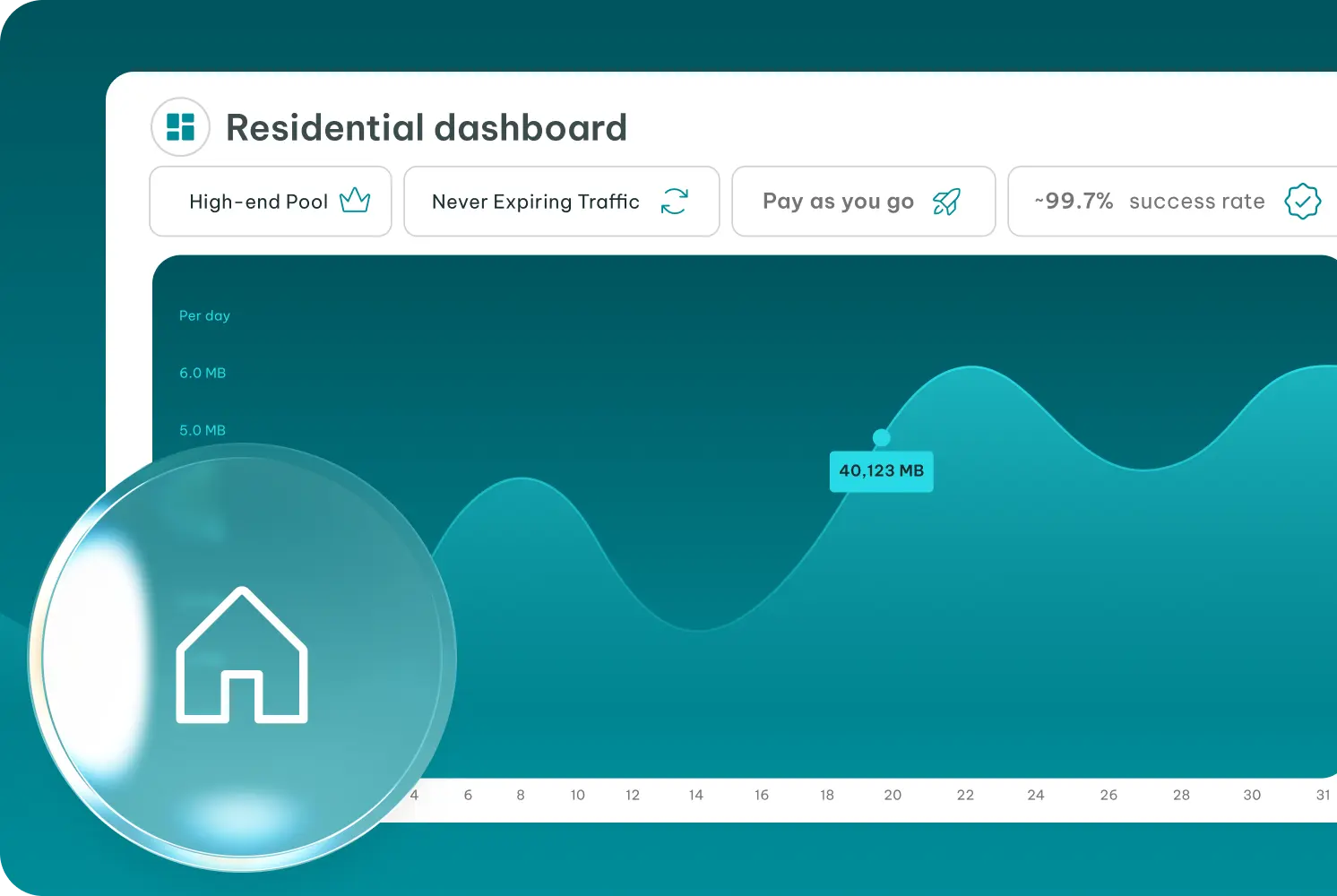
IPRoyal is a great “starter” provider if you don’t want to waste money while learning. The biggest beginner-friendly thing is pay-as-you-go traffic that never expires — so you can buy a small amount, test slowly, and come back later without losing unused GB. It also supports rotating + sticky sessions, which helps a lot when you’re doing account-related tasks and want your IP to stay stable during a session. For more information, read our IPRoyal Review.
Pricing
- 1GB: $7.00/GB
- 2GB: $5.95/GB
- 10GB: $5.25/GB
- 50GB: $4.90/GB(traffic never expires)
Performance
- Markets 32M+ residential IPs across 195+ locations
- Supports sticky sessions + rotation control (use sticky for logins/accounts, rotate for testing).
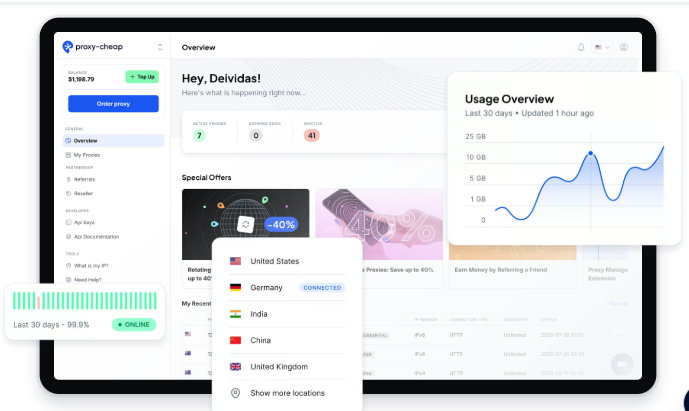
If you’re new and you just want something easy to try without spending a lot, Proxy-Cheap is a comfortable starting point. The dashboard is simple, you can choose between rotating residential (for testing many sites) and static residential (for stable logins), and you don’t need a complicated setup to get running. What I like for beginner use is that they clearly support sticky sessions on rotating residential, so your IP can stay stable during a session instead of constantly changing. For more information, read our Proxy‑Cheap Review.
Pricing
- Rotating residential: starts at $4.99/GB
- Static residential: $1.99 (7-day trial per proxy), then $3.39/month (1-month plan shown)
Performance
- Sticky sessions available (helps a lot for account tasks)
- Username/password authentication (simple for tools)
- Residential page mentions unlimited concurrent threads and keeping the same IP for a session
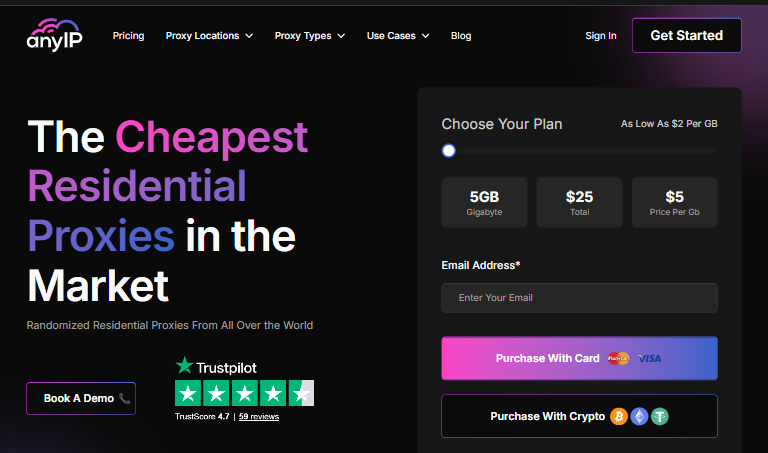
AnyIP is honestly a nice option when you’re new and just want to get proxies working fast without learning a complicated system. Their residential proxies are backconnect, and you can choose either rotating sessions (new IP each request) or a sticky session where the same IP stays for up to 10 minutes, which is useful when you’re logging into accounts or running short automation tasks.
What I like for beginners is they literally have a “quick start” flow: grab your username/password from the dashboard and plug it into your tool. No advanced config needed.
Pricing
- They advertise from $2/GB overall.
- Common beginner plan: $25/month for 5GB (Micro).
Performance
- Sticky + rotating options (you control how it rotates).
- Plans include Residential + Mobile proxies together (same subscription).
- Their pricing page lists 38+ countries included on plans.
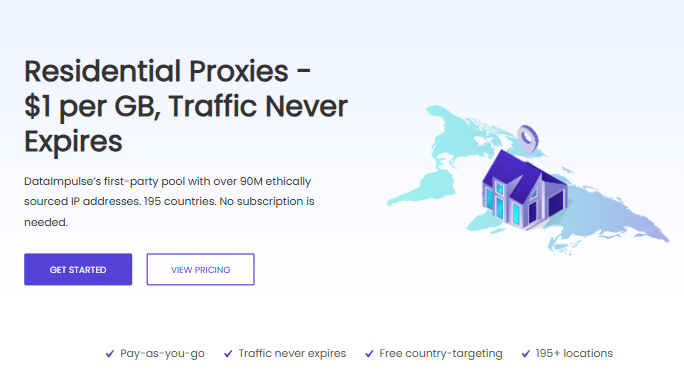
DataImpulse is a nice pick when you’re new and you don’t want a complicated “monthly subscription” decision. It’s pay-as-you-go, the traffic never expires, and you can switch between rotating and sticky sessions depending on what you’re doing. So if you’re just testing proxies on different sites (or doing light automation), it feels simple: buy a small pack, plug it in, and see how it behaves.
Pricing
- $5 for 5GB ($1/GB)
- $50 for 50GB ($1/GB)
- $800 for 1000GB ($0.8/GB)
Performance
- Claims 90M residential IPs and 195+ locations
- Supports HTTP(S) + SOCKS5, rotating + sticky sessions, and free country targeting
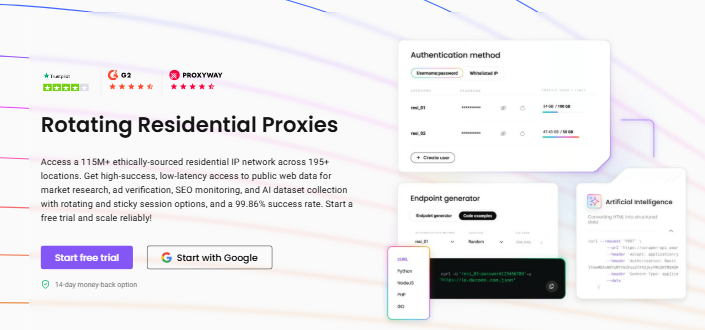
Decodo is the option I’d pick when I’m new, but I still want something that feels stable and “less risky” than ultra-cheap providers. Their residential proxies come with a 3-day free trial, a user-friendly dashboard, and strong session control—so you can use sticky sessions when you’re doing account-based work (logins/testing) instead of rotating every request. For more information, read our Decodo Review.
Pricing
- Monthly subscription plans (bandwidth-based) start from $2/GB (their marketing “from” rate).
- Pay As You Go: $8.5 for 1GB (wallet top-up model, 1GB at a time).
- Also mentions a 14-day money-back guarantee (trial excluded).
Performance
- Claims 115M+ residential IPs from 195+ locations with 99.86% success rate in messaging.
- Sticky sessions can be set for a custom duration (their sticky proxy page describes sticky as typically “a few to up to 60 minutes”).
FloppyData is the kind of provider beginners try when they want to experiment cheaply and learn how proxies behave on different sites. It’s simple: buy a small pack, plug in the proxy details, and test. Their residential product is rotating residential (SOCKS5), so it’s usually better for testing, browsing, monitoring, and light scraping than long “one account stays on one IP” use. For more information, read our Floppydata Review.
Pricing
- Packs are effectively $1/GB (examples: $9 for 9GB, $20 for 20GB, $48 for 48GB, $96 for 96GB, $120 for 120GB).
Performance
- They market a 95% “clean IPs” rate and rotating SOCKS5 access.
- The site also makes claims of high uptime and broad geo coverage.
Learn: How to use a Residential proxy
Lear More best Residential proxy
Beginner-Friendly Residential Proxy Providers Comparison
| Provider | Price | Ease | Best For |
|---|---|---|---|
| DataImpulse | $1/GB | Easy | Cheapest |
| IPRoyal | $1.75/GB | Easy | Stable |
| Proxy-Cheap | Low | Easy | Testing |
| FloppyData | $1/GB | Easy | Learning |
| AnyIP | Medium | Easy | Simple setup |
FAQs
A residential proxy routes your traffic through real ISP/home IPs, so websites see you more like a normal user (less blocks than datacenter IPs).
- Static = best for logins + account actions (more stable)
- Rotating = best for testing sites + research + light scrapingFor accounts with rotating, use sticky sessions
Most beginners should start with 1–5GB to test quality. Scale only after you confirm it works for your sites/tools.
No. Proxies help with IP-related limits, but bans usually come from behavior (spammy actions, too fast automation, breaking rules).
Use 1 account = 1 IP (or sticky sessions), keep sessions stable, and don’t rotate IPs constantly during logins.
Use 1 account = 1 IP (or sticky sessions), keep sessions stable, and don’t rotate IPs constantly during logins.
- Don’t buy a huge GB
- Avoid “free residential proxies.”
- Choose sticky sessions for account actions
- 1 account = 1 IP (if you’re serious about safety)
- Start with a “clean pool” provider, even if slightly higher