


Quick picks by use case (2026)
- Best overall no-KYC→ Proxy-Seller

- Best privacy-first (no email, no KYC) → Servury
- Best for stable sessions→ Proxy-Cheap
- Best for instant checkout → Anyip
- Best non-expiring traffic → IPRoyal
Best Residential Proxy Providers With No-KYC for 2026
Here are the best residential proxies that don’t require KYC for use.
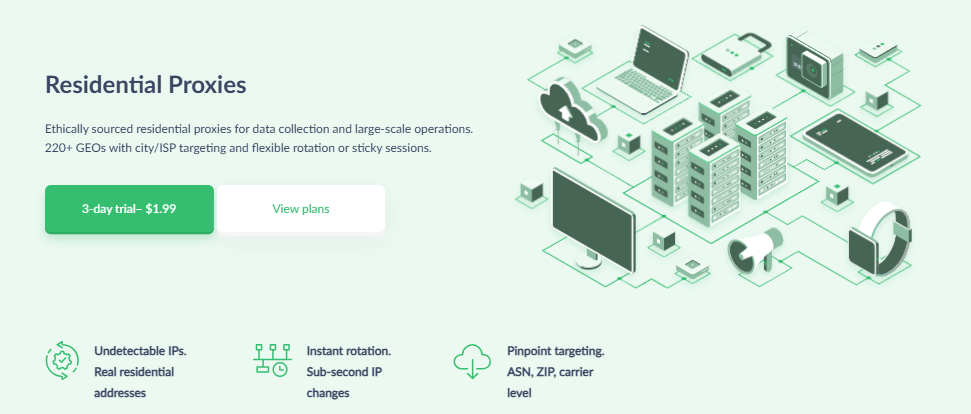
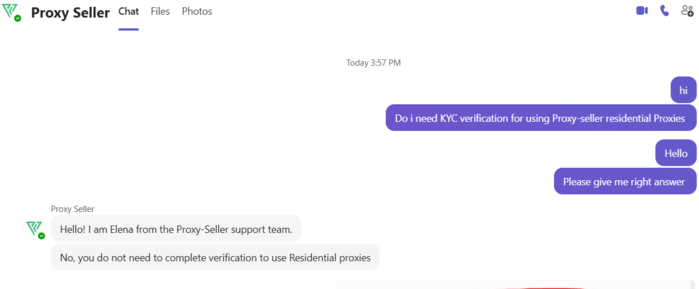
Proxy-Seller is the top pick for 2026 because it hits the right balance across every factor that matters for no-KYC buyers: the lowest price in this list at $0.70/GB, the largest geo-coverage at 220+ countries, and a clean no-KYC policy that lets you purchase and connect without submitting ID documents. I have tested and also confirmed with their support that users don't need KYC verification. Here is the proof.
What makes Proxy-Seller stand out beyond price is control. You get multiple rotation modes (useful for both scraping and account work), both user/password and IP allowlist authentication, and SOCKS5 + HTTP(S) protocol support — features you'd normally only find on more expensive enterprise plans. If you're running bigger projects or need reliable geo-targeting, Proxy-Seller scales well without forcing you through verification gates. For more information, read our Proxy-seller Review.
No-KYC policy:
Proxy-Seller lets you purchase and use their proxies without completing KYC/identity verification, so you can get started normally without submitting ID documents.
Pricing
- Residential proxies from $3.5/GB
- Pay-as-you-go traffic model
Performance
- Claims 20M+ residential IPs, 220+ GEOs, supports SOCKS5 + HTTP(S), with user/pass or IP allowlisting.
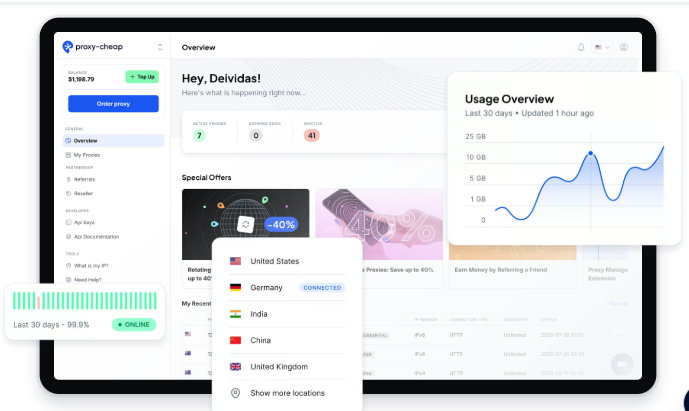
Proxy-Cheap earns its spot for buyers who want stable, budget residential proxies without overthinking KYC. For normal usage — buying small-to-medium plans, running account-based tasks — you won't hit a verification wall. KYC only kicks in at higher thresholds ($300+ top-up or $250+ cumulative), which most buyers never reach.
The standout feature is static residential proxies — dedicated IPs that don't rotate, ideal for logins, account management, and anything where IP consistency matters. Rotating residential is also available for research and scale tasks. For more information, read our Proxy-Cheap Review.
No-KYC policy:
No identity verification for standard purchases. KYC is required if you top up $300+, if cumulative top-ups exceed $250+, or if you request referral payouts.
Pricing
- Rotating residential: starts at $.78/GB.
- Static residential: $1.99 (7-day trial per proxy) and $3.39/month (1-month plan shown).
Performance
- Static residential plan lists: Unlimited bandwidth, 100+ threads, 100+ Mbps, HTTP/SOCKS5, and dedicated IP.
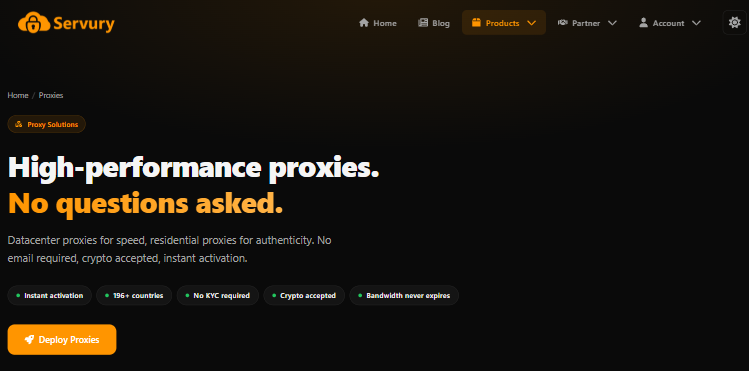
Servury is for buyers who want the absolute minimum privacy footprint. Instead of a traditional signup with email and a profile, you generate a credential, and you're in — no name, no email, no identity verification at any threshold. Crypto is the primary payment method, which pairs well with the no-personal-info approach.
If your goal is maximum anonymity at checkout, Servury is the most privacy-consistent provider on this list. The trade-off is that pricing isn't the cheapest ($2.49/GB vs Proxy-Seller's $0.70/GB), but the bandwidth doesn't expire — so you're not racing a 30-day clock.
No-KYC policy:
No KYC required. No email required. No personal information required for purchasing.
Pricing
Residential proxies are priced per GB (and the bandwidth doesn’t expire):
- 1–9GB: $2.49/GB
- 10–24GB: $2.42/GB
- 25–49GB: $2.36/GB
- 50–99GB: $2.30/GB
- 100–249GB: $2.23/GB
- 250–499GB: $2.10/GB
- 500+GB: $1.91/GB
Performance
- 196+ countries + geo-targeting
- Rotating + sticky sessions
- HTTP & SOCKS5 support
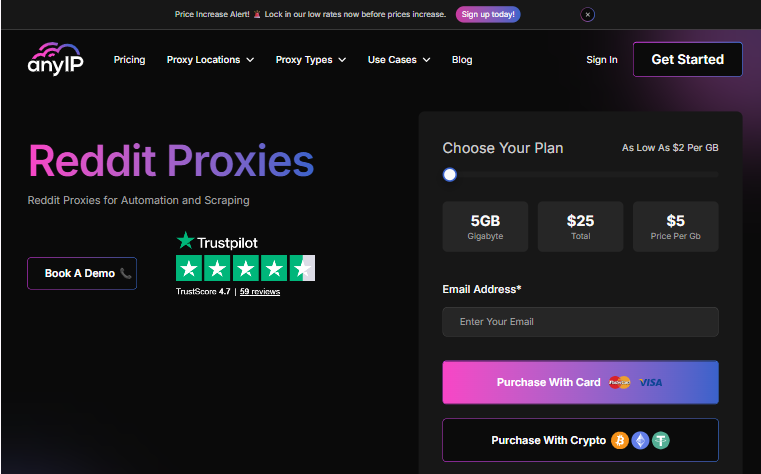
AnyIP is built for buyers who want the fastest path from signup to a working proxy. The checkout is straightforward — sign up with Google or email, pick your plan, pay, and start. No verification steps, no waiting period. AnyIP explicitly states a no-KYC policy on its rotating proxies, which makes it one of the few providers to advertise this directly in their product pages.
Pricing starts at $2/GB, which positions it in the mid-range — not the cheapest, but fair for the quick access and clean checkout experience it offers.
No-KYC policy:
No KYC is required for rotating residential proxies. Sign up with Google or email only.
Pricing
- Starts from $2/GB (their residential page).
- Example plan: $25/month for 5GB (pricing page).
Performance
- Rotating residential proxies
- High success rates marketed on product pages
- Fast response times
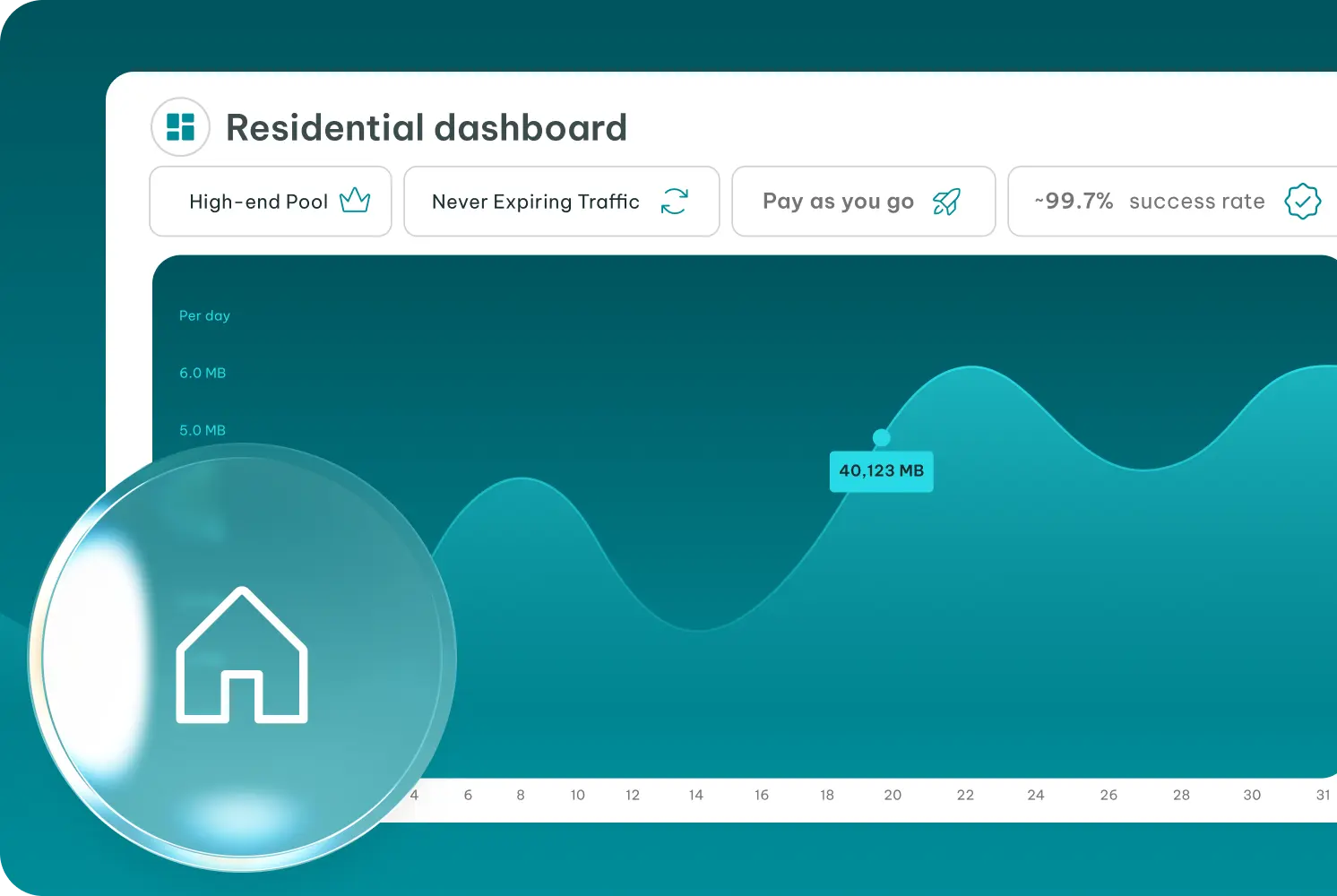
IPRoyal is a well-established provider that most proxy buyers have seen before. The key reason it appears on a no-KYC list is its non-expiring traffic model — you buy GB and use them at your own pace, without a monthly deadline. That's genuinely useful for occasional use cases like SEO checks, one-off research, or infrequent automation.
KYC isn't mandatory at the start, but unverified accounts face some feature restrictions. If you only need basic rotating residential access and you buy small amounts, you can stay in "no-KYC" territory. For anything more, verification will likely be prompted. For more information, read our IPRoyal Review.
No-KYC policy:
Identity verification is not always mandatory at signup, but unverified accounts may face restrictions. Better described as low-KYC/conditional rather than strict no-KYC.
Pricing
- 1GB: $7.00/GB
- 2GB: $5.95/GB
- 10GB: $5.25/GB
- 50GB: $4.90/GB
Performance
FloppyData is a budget option for buyers whose primary goal is cheap test traffic. Starting at $1/GB with small pack sizes ($9 for 9GB, $20 for 20GB), it's accessible for low-commitment testing. They accept 50+ cryptocurrencies and focus on rotating residential proxies via SOCKS5.
That said, FloppyData ranks lower in this list because it lacks the geo-coverage depth, support reliability, and session control options of higher-ranked providers like Proxy-Seller. For serious or ongoing projects, you'll likely outgrow FloppyData quickly. It works as a starting point — not a long-term solution. For more information, read our Floppydata Review.
No-KYC policy:
No mandatory KYC verification for standard purchases. Policies may vary by payment method or risk checks.
Pricing
- $1/GB packs (examples shown: $9/9GB, $20/20GB, $48/48GB, $96/96GB, $120/120GB).
Performance
Residential Proxy Providers With No KYC Comparison
| Provider | No-KYC Level | Signup | Payment Methods | Best For | Risk Level | Price |
|---|---|---|---|---|---|---|
| Proxy-Seller | Strong | Crypto + Card | Targeting + scaling projects | Med | $0.70/GB | |
| Proxy-Cheap | Medium | Crypto + Card | Enterprise-scale stability | Med | $4.99/GB | |
| Servury | Strong | None | Crypto + Card | Privacy-first buying (no email/KYC) | High | $2.49/GB |
| AnyIP | Strong | Email/Google | Crypto + Card | Fast checkout + budget usage | Med | $2/GB |
| IPRoyal | Medium | Crypto + Card | Non-expiring traffic + trusted brand | Low | $7/GB | |
| FloppyData | Strong | Crypto + Card | Cheapest testing / small packs | Med | $1/GB |
How to Buy no-KYC Residential Proxies safely
- Pick the proxy type first
- Accounts/logins → Static or long sticky sessions
- Research/scale → Rotating (with reasonable rotation)
- Start with the smallest plan. Buy a micro pack (or trial) to test IP quality before spending more.
- Create the minimum signup needed. Use only what’s required (email/login). Avoid providers asking for extra documents.
- Pay with crypto if privacy matters. USDT is often the easiest for low fees; keep the transaction ID.
- Set authentication correctly. Use user/pass or IP whitelist (whichever is safer for your setup).
- Test before scaling. Check speed, block rate, and session stability on your target site/app.
- Scale slowly + keep behavior stable. Don’t switch IPs constantly during logins; use sticky/static for account actions.
FAQs: No-KYC Residential Proxies
A no-KYC residential proxy is a residential proxy service that lets you use real ISP/home IPs without submitting identity documents (passport/NID). You may still need an email or account, but there’s no ID verification step.
Not always. No-KYC means no ID verification, but you can still leave a trail through email, payment records, and provider logs. It’s “less verification,” not guaranteed anonymity.
Some providers allow minimal signup (credential-based access), but most still require at least an email to manage orders and support. If “no email” matters, look for providers that explicitly offer it.
Usually no. Most truly free residential proxy lists are heavily abused and get blocked quickly. A safer alternative is a free trial or a small starter pack ($1–$5) so you can test quality without a big risk.
- Static residential is safer for logins and account actions (stable IP, fewer security checks).
- Rotating residential is safer for high-volume browsing/monitoring because requests are spread across many IPs.For accounts, rotating should use sticky sessions to keep the same IP for a while.
USDT (TRC20) is often the easiest because fees are low and confirmations are fast.
BTC is widely accepted but can be slower/more expensive depending on network fees.
XMR (Monero) is privacy-focused, but fewer providers accept it.Privacy also depends on the provider’s policies, not only the coin.
Yes, sometimes. Even “no-KYC” providers may ask for verification in rare cases like chargebacks, fraud checks, or unusually large orders. For normal small purchases, most no-KYC providers don’t request ID.